CrushOn AI Image Generation 2026: How It Works for New Users
CrushOn AI has a built-in image generation feature — you can create images from text descriptions right inside your conversation. This guide explains how it works, what you get on each plan, and how to write descriptions that produce good results.
What Is Image Generation on CrushOn AI?
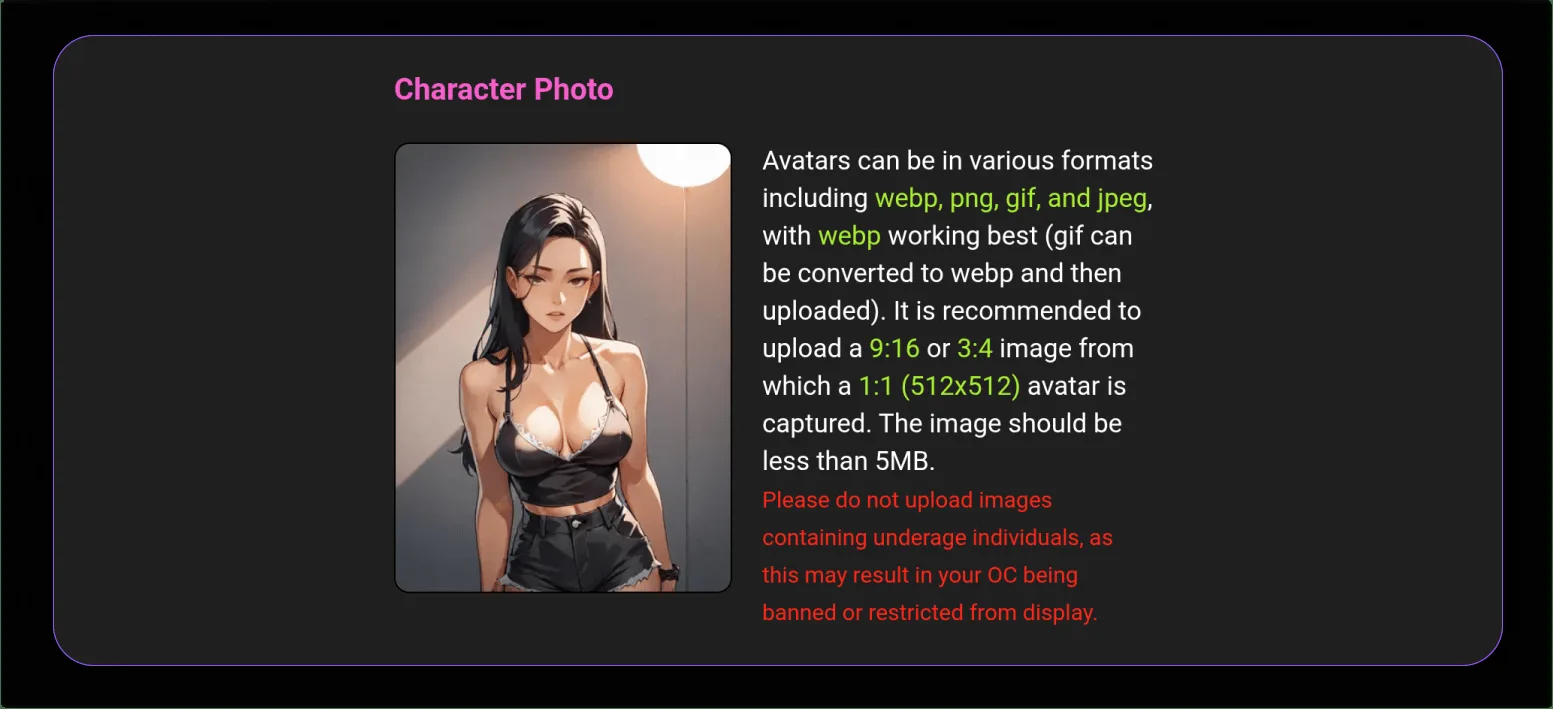
When you are chatting with a character, you can ask the AI to generate an image based on a description you provide. The image is created automatically and appears in your conversation thread. You do not need a separate app or subscription — it is built into the platform.
Think of it as asking the AI to "draw" something for your conversation. You describe what you want in text, and the AI creates it as an image.
How Many Images You Get Per Plan
| Plan | Monthly Cost | Images per Month | Quality |
|---|---|---|---|
| Free | $0 | Very limited | Basic |
| Standard | $5.99 | 50 | Standard |
| Premium | $14.99 | 200 | HD |
| Deluxe | $49.90 | Unlimited | HD |
The free tier has such a small image allowance that you will mostly see the feature, not really use it. Standard's 50 images per month is the starting point for actual regular use. Premium's 200 HD images is where it becomes a significant part of the experience.
How to Generate an Image
In any active conversation:
- Look for a camera icon or "Generate Image" button in the message tools area (its exact location depends on the interface version you are using)
- If there is no button, you can request an image through natural language: type something like "Can you generate an image of [your description]?" in your message
- The platform processes your description and generates the image
- The image appears in your conversation thread within about 10-30 seconds under normal conditions
Writing Descriptions That Get Good Results
This is the most important thing to know about image generation on any AI platform: specific descriptions produce much better results than vague ones.
Here is why: anything you do not specify gets filled in randomly by the AI. If you do not say what lighting you want, the lighting is random. If you do not say the art style, the style is random. More specifics = fewer random variables = more of what you actually wanted.
A vague description: "A woman in a forest"
This leaves: hair color, clothing, body type, tree type, lighting, time of day, art style, composition, and mood all to random interpretation.
A specific description: "A young woman with long red hair wearing a dark green cloak, standing in a misty forest at dawn, soft gray morning light filtering through tall pine trees, painterly art style, full body shot, highly detailed"
This specifies the key variables and produces something much closer to an intentional result.
What to include in your description:
- Subject: What or who is in the image? Include relevant physical details.
- Setting: Where is this? Interior or exterior? What kind of location?
- Lighting: This changes the entire feel of an image. "Warm sunset light," "cold fluorescent," "candlelit," "neon-lit" all produce very different results.
- Art style: "Photorealistic," "anime," "digital art," "oil painting," "watercolor," "concept art." Without specifying this, results are inconsistent.
- Composition: "Portrait" (head and shoulders), "full body," "close-up," "wide shot."
- Quality words: Adding "highly detailed," "sharp focus," or "professional quality" generally improves outputs.
Common Problem: "Image Not Found" Error
This error appears when the image was generated on CrushOn AI's servers but failed to deliver to your screen. It is not about your description being wrong.
What to do:
- Wait 5 to 10 minutes
- Try scrolling through the conversation — the image sometimes loads slowly
- Refresh the page
- Generate the image again
This happens most often during busy evening hours when many users are active at the same time. If you try in the morning (US time), image generation is usually faster and more reliable.
NSFW Images
Image generation of explicit adult content is available on paid plans (Standard and above) for adult users. The same prompt quality principle applies — specific descriptions produce better results.
One limitation across all plans: you cannot upload your own photos. Everything is generated from your text descriptions only.
Ready to try CrushOn AI?
Visit CrushOn AIFrequently Asked Questions
In an active conversation, use the camera icon or image generation button in the chat tools, or describe what you want in your message. The image appears in the conversation within 10-30 seconds.
The free tier has a very small image allocation — enough to try the feature but not for regular use. Practical image generation starts at Standard ($5.99/month) with 50 images per month.
Server delivery failure — the image was created but failed to transmit. Wait 5-10 minutes and try again. Morning hours are less congested and more reliable for image generation.
Write more detailed, specific descriptions. Include the subject details, setting, lighting, art style, composition, and quality keywords. Every detail you specify is one less thing the AI decides randomly.
No. CrushOn AI does not support photo uploads. All image generation is text-to-image from your descriptions.
Standard images (available on Standard plan) have lower resolution and detail. HD images (available on Premium and Deluxe) are higher resolution with better detail and sharpness.