CrushOn AI Download 2026: First-Time Setup for Any Device
Getting CrushOn AI running on your device is straightforward. This guide walks through the setup step by step for each type of device, including what to do when the standard download method does not work.
Pick Your Device

Jump to the section for your device:
Android {#android}
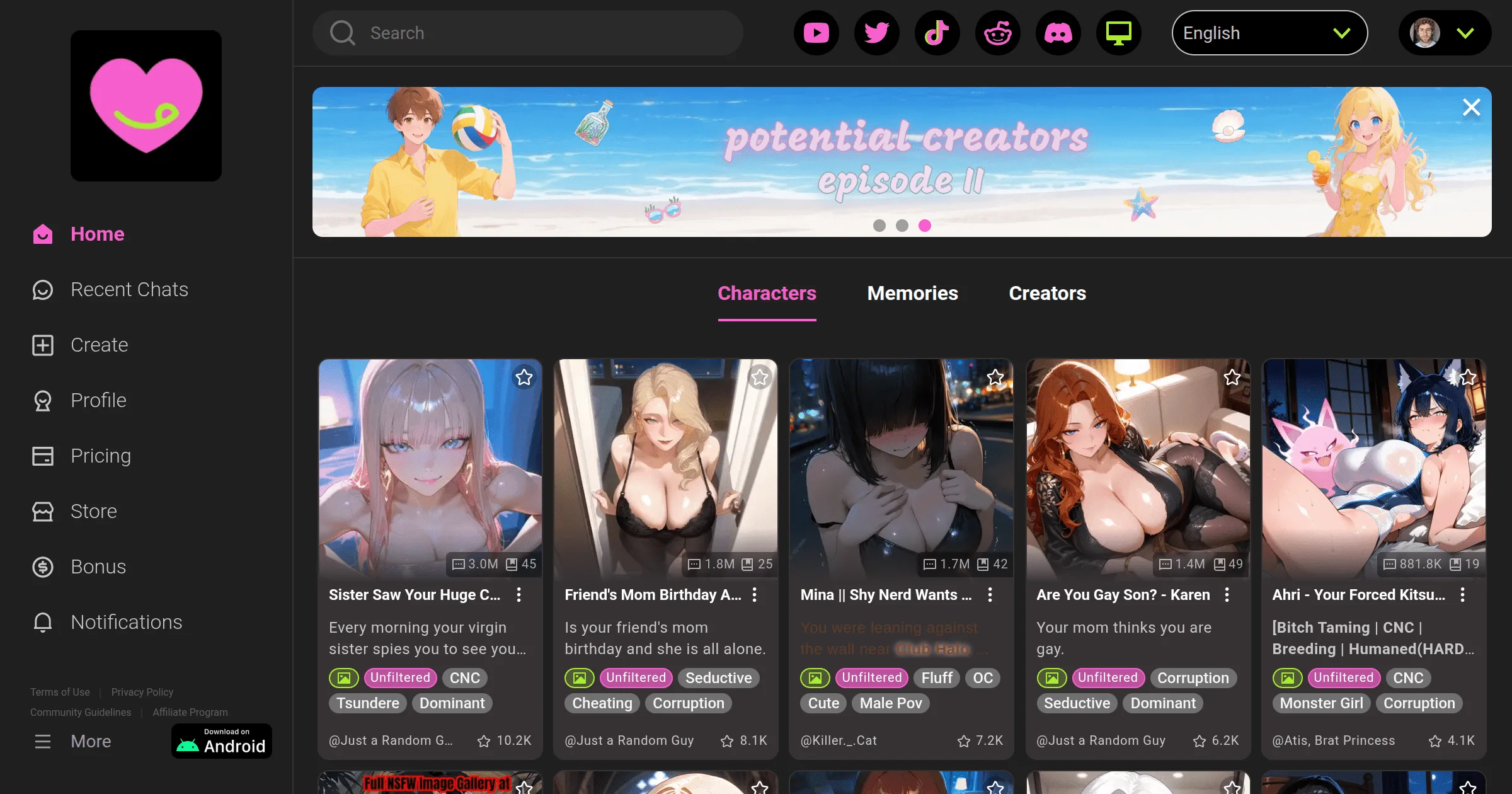
Normal Method: Google Play Store
This is the easiest path for most Android users.
- Open the Google Play Store app on your phone
- Tap the search bar and type "CrushOn AI"
- Look for the official app and tap Install
- Wait for it to download and install
- Open the app
- Tap Sign Up
- Enter your email address and create a password — or tap Continue with Google for faster setup
- When asked, confirm that you are 18 or older
- That is it — your account is created and the free tier starts immediately
Your Android phone needs to be running Android 5.0 or higher. This includes essentially every Android phone made in the past several years.
If the Play Store Does Not Show the App
Some regions have the app unavailable due to content policies. In that case, download it directly from the website:
- Open a browser on your Android phone
- Go to crushon.ai
- Find and tap the "Download for Android" button — this downloads an APK file
- You will need to allow your phone to install apps from sources other than the Play Store:
- On Android 8 and newer: open Settings → Apps → Special app access → Install unknown apps → tap on your browser → switch "Allow" to on
- On older Android: Settings → Security → find "Unknown sources" → switch it on
- Find the downloaded APK file (usually in your Downloads folder) and tap it
- Tap Install when prompted
- Open CrushOn AI and sign in
This is safe when downloaded directly from crushon.ai. Do not download APK files from any other source.
iPhone {#iphone}
Check the App Store First
- Open the App Store app
- Search for "CrushOn AI"
- If you see the app with a Get button: tap Get, install, and sign in
- You need iOS 14 or newer (any iPhone from 2015 or later qualifies)
If It Is Not in Your App Store
Apple has removed the CrushOn AI app from some regional App Stores because its adult content conflicts with Apple's content policies. This happens in multiple countries.
The solution: use the website in Safari. It works just as well as the app.
- Open Safari on your iPhone (it must be Safari, not Chrome or another browser, for this to work best)
- Go to crushon.ai
- Log in or sign up — every feature is available in the browser version
- Make it feel like an app: tap the share button (the box with an arrow pointing up, at the bottom of Safari) → tap Add to Home Screen → tap Add
This creates an icon on your home screen. Tapping it opens CrushOn AI in full screen without the browser address bar — it behaves like an installed app. This is what most iPhone users in unsupported regions use.
Computer {#computer}
There is no desktop app to download. Use the website directly:
- Open any web browser (Chrome, Firefox, Edge, or Safari)
- Go to crushon.ai
- Click Sign Up and create your account
- That is it — you have full access to everything
The website is the standard way to use CrushOn AI on a computer. It works on Windows, Mac, and Linux.
Creating Your Account (Any Platform)
After opening the app or website for the first time:
- Click or tap Sign Up
- Enter your email address and choose a password
— or tap Continue with Google to skip creating a password
- Confirm you are 18 years old or older
- Check your email for a verification message if prompted (look in spam if you do not see it)
- Your free account is active immediately — 50 messages per day, no payment needed
Ready to try CrushOn AI?
Visit CrushOn AIFrequently Asked Questions
Yes. The app is free to install. The free account tier requires no payment. Optional subscriptions are available starting at $5.99/month but are not required to download or start using the app.
Apple's content policies have caused the app to be removed from some regional App Stores. The solution is to use crushon.ai in Safari on your iPhone — it has the same features as the app. You can add it to your home screen through Safari's Share menu for an app-like experience.
Yes. Go to crushon.ai in any web browser on your computer. There is no separate desktop app to install — the website is the full experience for computer users.
Android 5.0 or higher. If your phone was made in 2015 or later, it almost certainly qualifies.
No. Downloading and creating an account is completely free. Subscriptions are optional upgrades that unlock more features.
Yes, when downloaded from crushon.ai (the official website). The APK from the official site is the same application as the Play Store version. Only use the official site — not third-party APK repositories.